Back to BlogTutorial 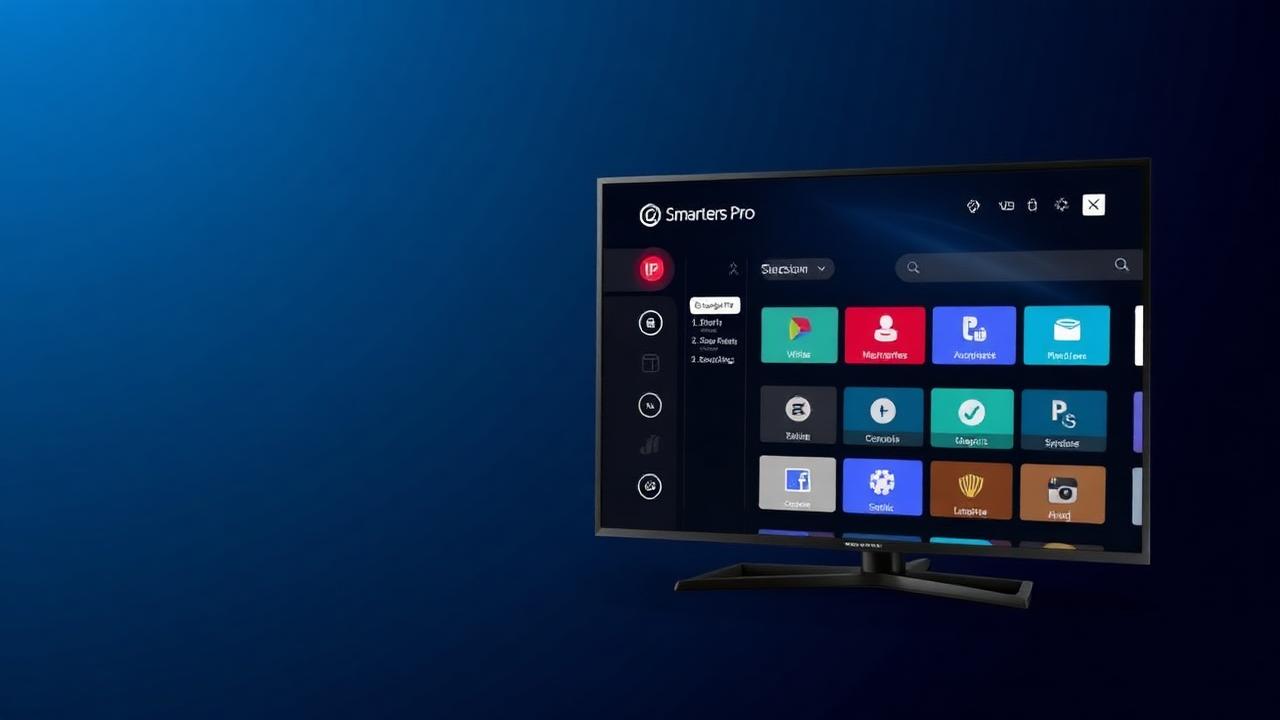
How to Install IPTV Smarters on Samsung Smart TV (2026 Guide)
Smart IPTV Team1/3/20268 min read
This 2026 guide shows how to install IPTV Smarters Pro on Samsung Smart TV and log in with your Smart IPTV subscription. Need access first? Request a free trial.
Install from the Samsung App Store
- Open Apps from the Samsung home screen.
- Search for “IPTV Smarters Pro”.
- Install and open the app.
- Select “Login with Xtream Codes API”.
- Enter your username, password, and server URL.
If the app is not available
Availability can vary by region. In that case, use an alternative IPTV player or follow our device options on the installation guides.
Troubleshooting
- Login failed: re-check credentials or contact support.
- Buffering: use Ethernet and verify speed. More help in the FAQ.